Griotte
Your day on a timeline
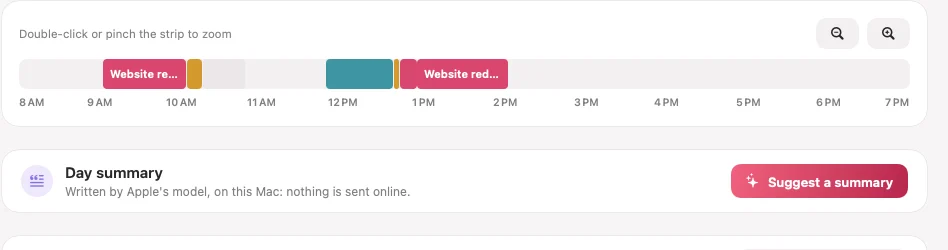
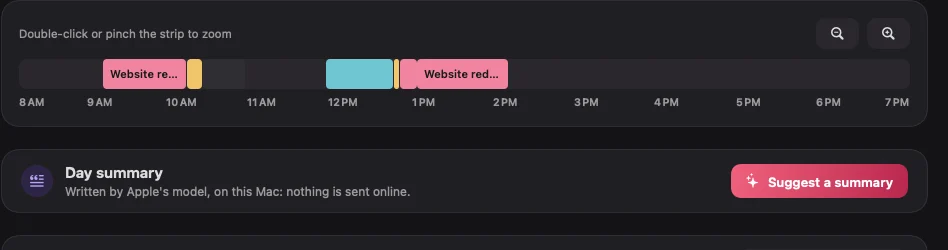
Every block of work, in colour, to the minute. Pinch to zoom down to the minute, hover a block to see its apps and windows. A block in the wrong place? Drag it onto the right project.
Griotte quietly records what you work on, sorts your hours by client and works out what you can bill. 100 % local: no account, no server, nothing leaves your Mac.
30-day free trial, no cardmacOS 14 or laterApple Silicon and Intel
Made in France by an independent developerSigned and notarized by Apple
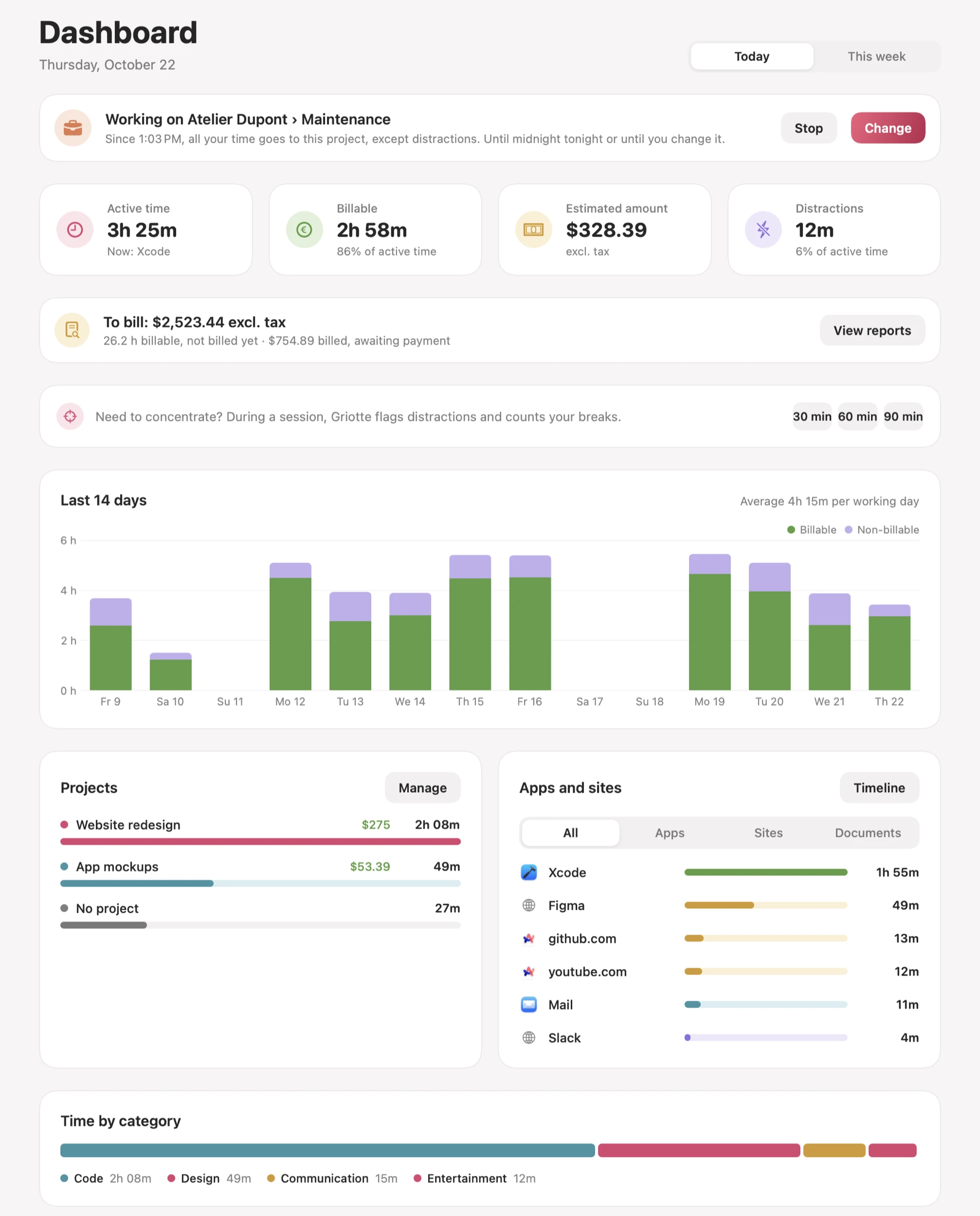
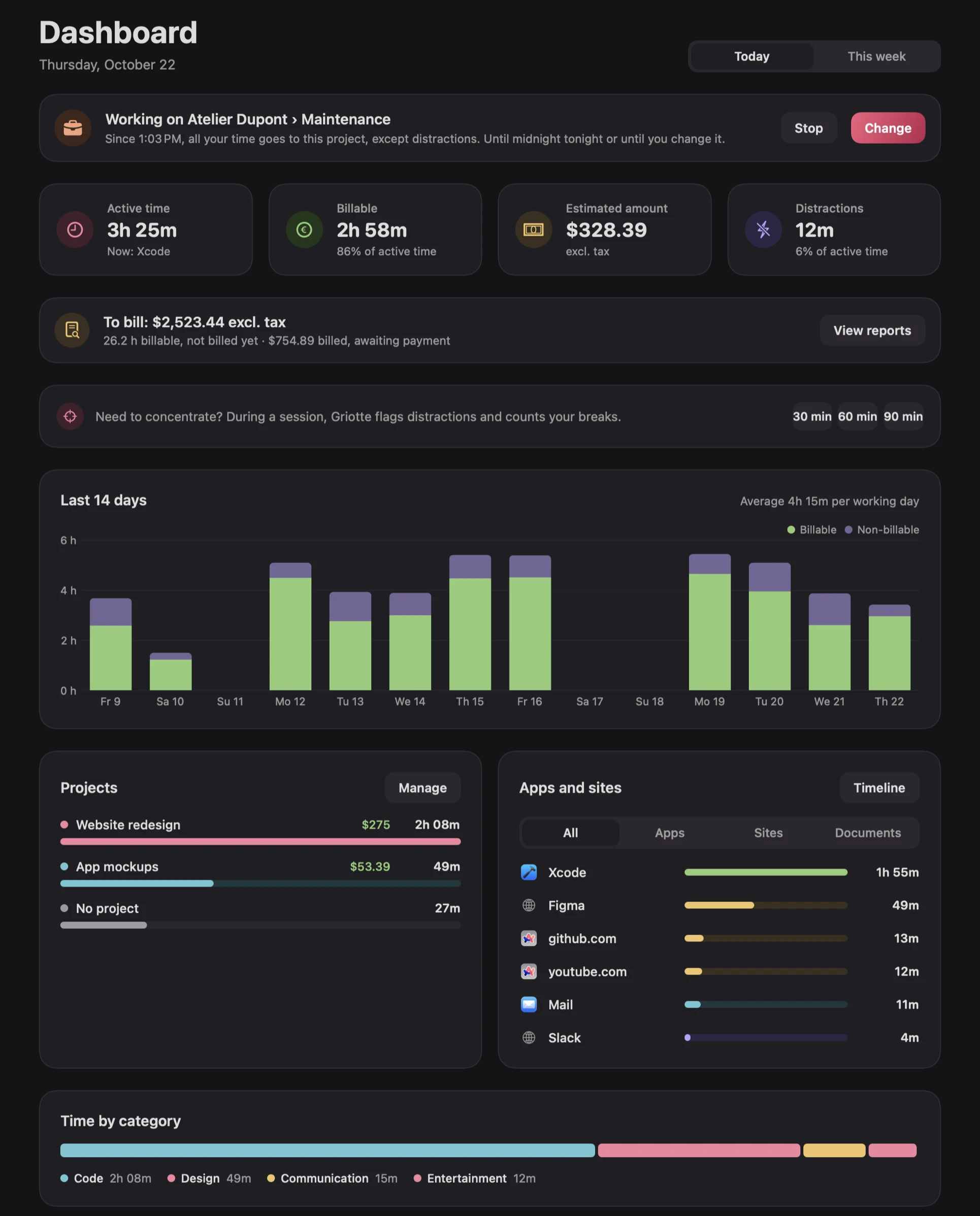
No timer to start, no timesheet to fill in on Friday night.
Griotte lives in your menu bar. No account to create, no email address to give.
In the background, Griotte notes the app in front, the open document and the website. Breaks are taken out automatically.
Your rules file your hours by client. The amount at your hourly or day rate is ready, rounded the way you bill.
Wherever you are, a shortcut brings up a cherry right under your pointer. The fruit says what you are working on, the leaf starts a focus session. One click, and you are back to work.
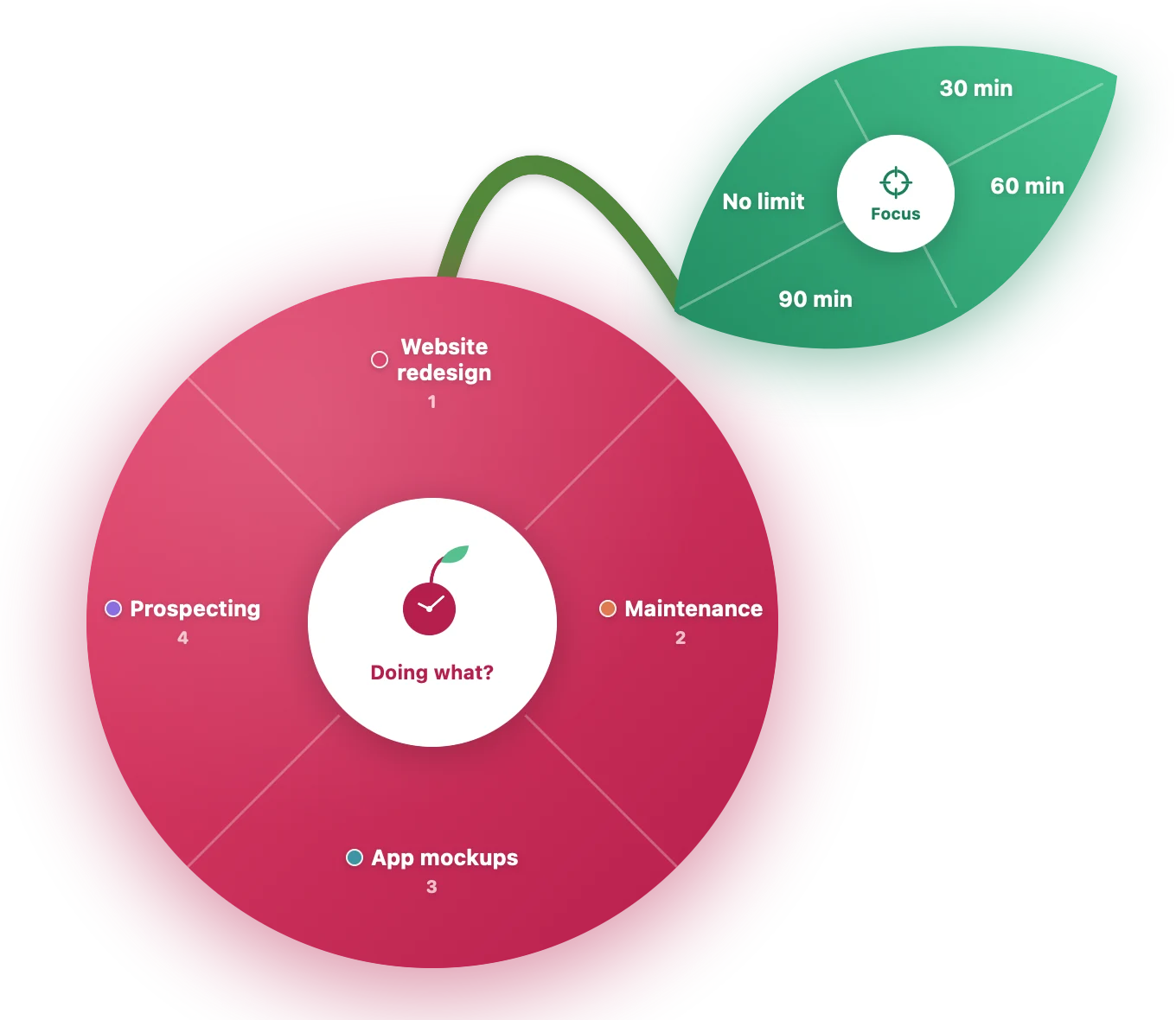
The pictures below are real Griotte screens, with demo data.
Every block of work, in colour, to the minute. Pinch to zoom down to the minute, hover a block to see its apps and windows. A block in the wrong place? Drag it onto the right project.
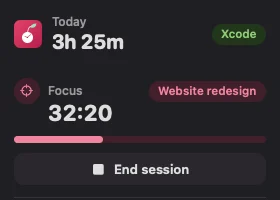
One click in the menu bar and everything you do next counts for that client. Start a 30, 60 or 90-minute focus session from the same place.
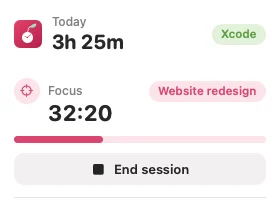
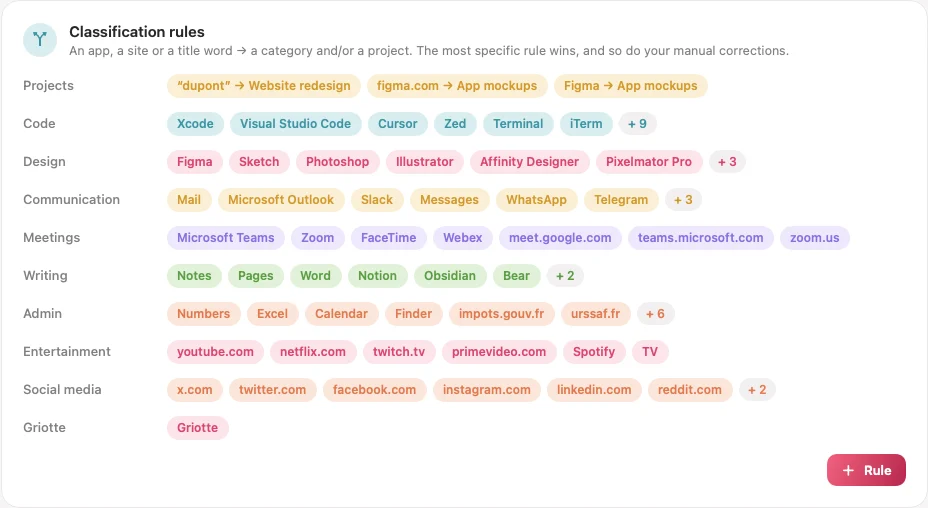
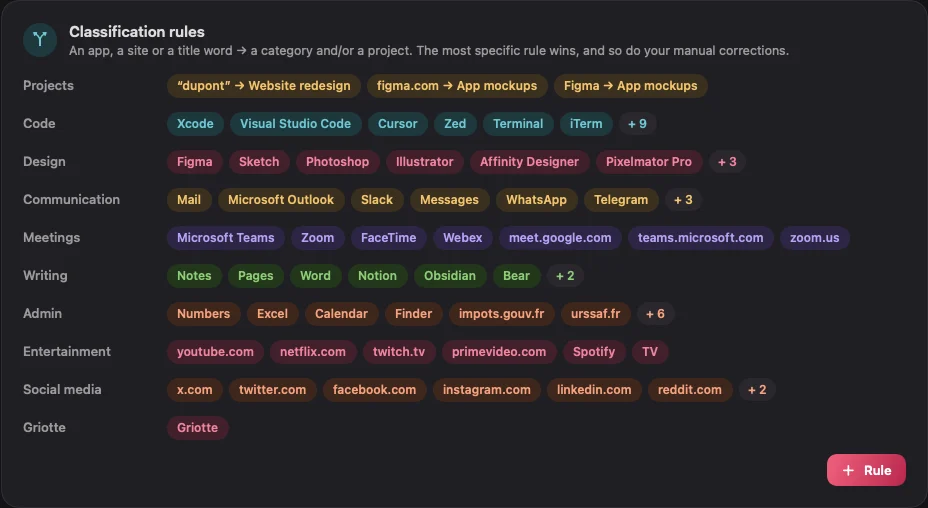
An app, a website, a folder or a word in the title is enough to file time under the right project. For the rest, Apple’s model built into macOS suggests a category, on your Mac, without sending anything.
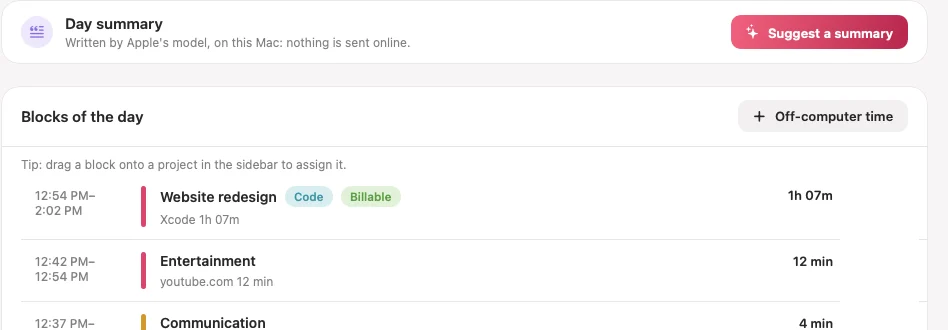
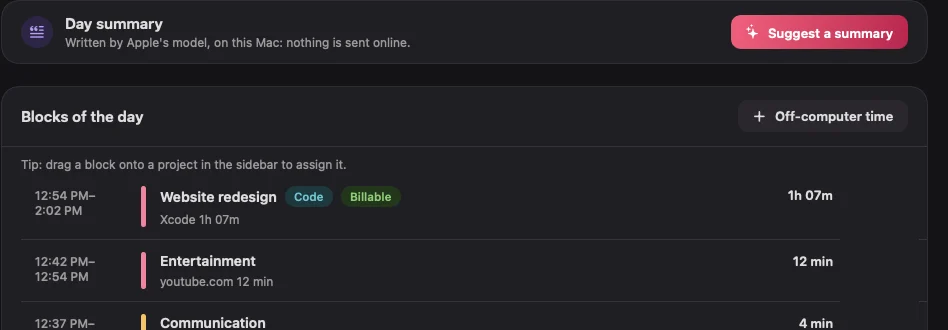
In the evening, “Suggest a summary” writes one sentence per project from your day. Read it, edit it, apply it: it becomes the description in your reports. Apple’s model writes it on your Mac; without it, Griotte uses your window titles.
Import your exports from Toggl Track, Timing or Rize, or any CSV. Preview before importing, duplicates skipped, and any import can be undone in one click.
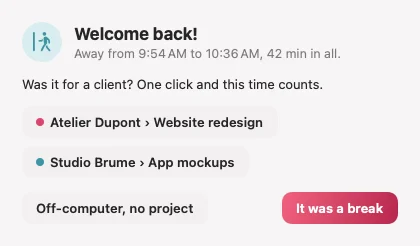
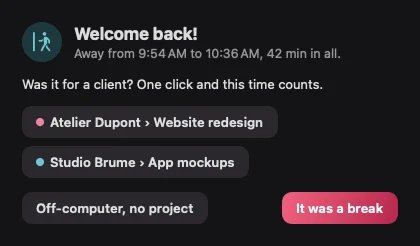
After time away, Griotte asks what it was: a client call, a meeting, a real break. One click, and the time counts.
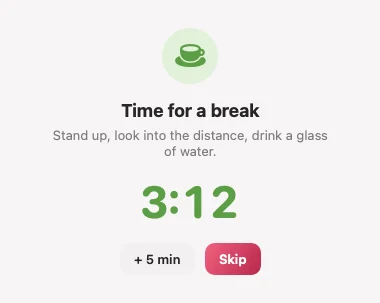
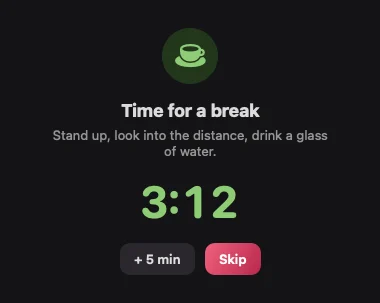
A gentle nudge if a distraction creeps in during focus, and a real break suggested after an hour. Nothing is blocked: you stay in charge.
A local MCP server lets Claude, ChatGPT or Cursor answer “how many hours for Dupont this month?”. It only listens on your Mac and is protected by a token.
At the end of the month, Griotte counts the working days, turns your hours into days at your day rate, applies your rounding and prepares a clean activity timesheet, ready to attach to the invoice.
Example calculated by Griotte on demo data.
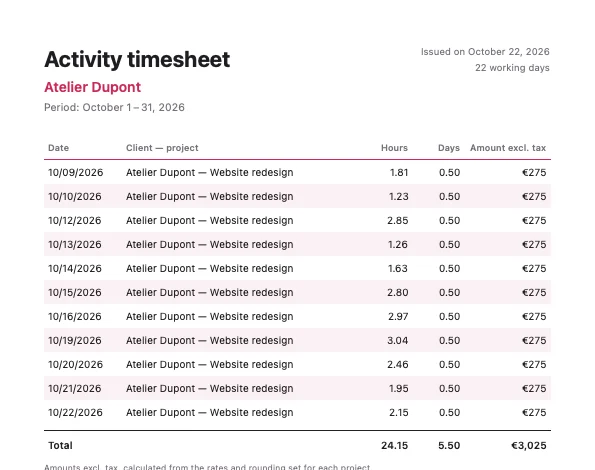 PDF timesheet
Every 60 min
PDF timesheet
Every 60 min
When you are in the zone, you can stare at the screen for hours. After an hour of uninterrupted work, Griotte suggests a breather: stand up, look into the distance, drink a glass of water.
Your working day says a lot about you and your clients. So it stays on your Mac, in a single file you can export or erase whenever you like.
No sign-up, no email needed to try it.
No activity data is sent anywhere. Ever.
No usage statistics, no analytics SDK.
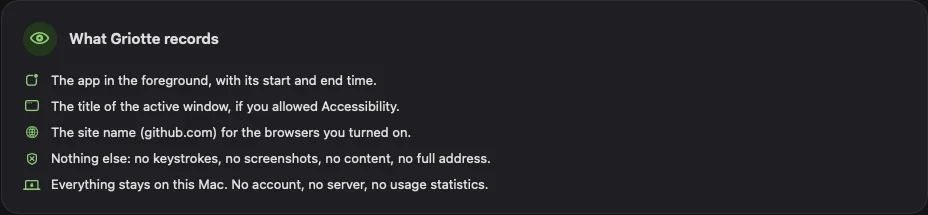
Two Macs? Optional iCloud sync (Pro) goes through your own iCloud account, end-to-end encrypted: Apple can’t read your window titles, documents or client names, and there is still no Griotte server.
This website follows the same rule: no cookies, an anonymous audience count run by us alone, and fonts hosted here rather than by a third party.
Read the privacy policyGriotte measures the time of the person who uses it, for that person. No employer console, no remote reporting, no screenshots. In a studio, everyone tracks their own time and exports their summary if they want to.
A full 30-day trial, no credit card and no account. You only subscribe if Griotte is useful to you.
€7 / $7/ month
€84 / $84 billed yearly, excl. VAT
€10 / $10/ month
€120 / $120 billed yearly, excl. VAT
When a subscription ends, tracking stops but your data stays readable and exportable, with no time limit. Prices exclude VAT; VAT is calculated at checkout from your country and VAT number (none outside the EU, reverse charge for EU businesses with a valid VAT number). For professionals only, 14-day money-back guarantee.
No. Everything is saved in a file on your Mac (~/Library/Application Support/Griotte/). Griotte has no server for your data. The only network traffic is the daily update check and the licence renewal, and neither contains any activity data. iCloud sync, if you turn it on, goes through your own iCloud, end-to-end encrypted.
No, neither for the trial nor to use the app. An email address is only asked for when you pay, by the payment provider, to send you your receipt and your licence key.
None is required. With no permission, Griotte sees the app in front. Accessibility adds the window title and the open document. Automation, browser by browser, gives the website name. Calendar and Notifications are optional. Griotte never asks for Screen Recording.
No. Export your data as CSV from your old tool, then use “Import history…” in Griotte’s Settings › Your data. Columns are detected automatically, you see a preview before importing, and every import can be undone. Still deciding? Read our Griotte vs Timing comparison.
No. It is written by Apple’s model built into macOS, on your Mac (Pro plan, macOS 26 with Apple Intelligence). Without it, Griotte builds the summary from your window titles, with no AI at all. Nothing is sent to ChatGPT, Claude or any other service.
Tracking stops if you don’t subscribe. Your data stays on your Mac, readable and exportable, with no time limit. Nothing is held hostage.
Yes, through files. The CSV has stable columns, Pro adds Excel, HTML and JSON exports, and the PDF timesheet can be attached to an invoice as is. There is no direct integration with invoicing software yet.
No, and that is not an oversight. Griotte has no admin console, sends no data to a third party and takes no screenshots. It is for tracking your own time.
Install Griotte, work as usual for a week, and see where your hours really go.