 Griotte
Griotte for Mac
A full 30-day trial, no credit card and no account. Three steps and you are tracking.

Requirements
- SystemmacOS 14 Sonoma or later
- ProcessorApple Silicon or Intel
- Disk spaceLess than 20 MB
- Apple’s on-device AImacOS 26 with Apple Intelligence turned on (optional)
- iCloud syncPro plan, optional
- Internet connectionNot needed to track your time
Signed and notarized by Apple. Griotte opens normally: drag it to Applications, then launch it.
Three steps, two minutes.
Open the file
Double-click Griotte.dmg in your Downloads. A window opens.
Drag to Applications
Drag the Griotte icon onto the Applications folder, then eject the disk image.
Open Griotte
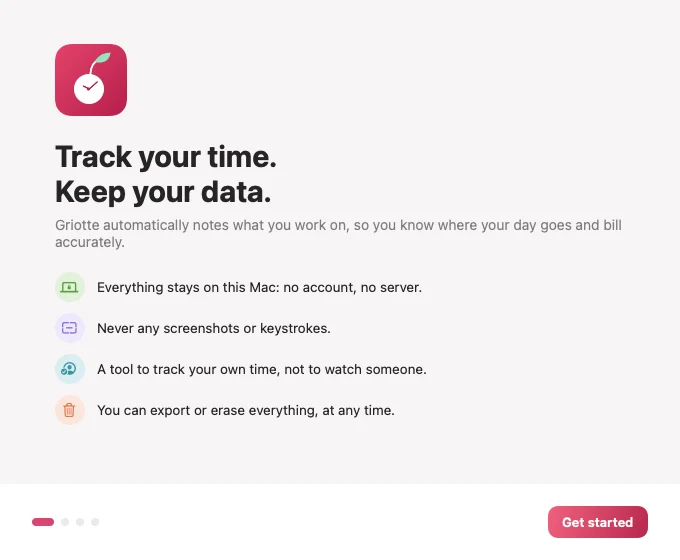
Launch it from Applications. A cherry appears in the menu bar and a short welcome guides you.
All optional. All explained.
With no permission, Griotte already records the app in front. Each permission adds a detail, and you can remove it at any time in System Settings.
Accessibility
To read the title of the active window and the open document. Never the content.
Browser automation
To know the website name, browser by browser. Private windows are ignored.
Calendar
Only if you show your meetings on the timeline. Read locally.
Notifications
For the end of a focus session and break reminders.